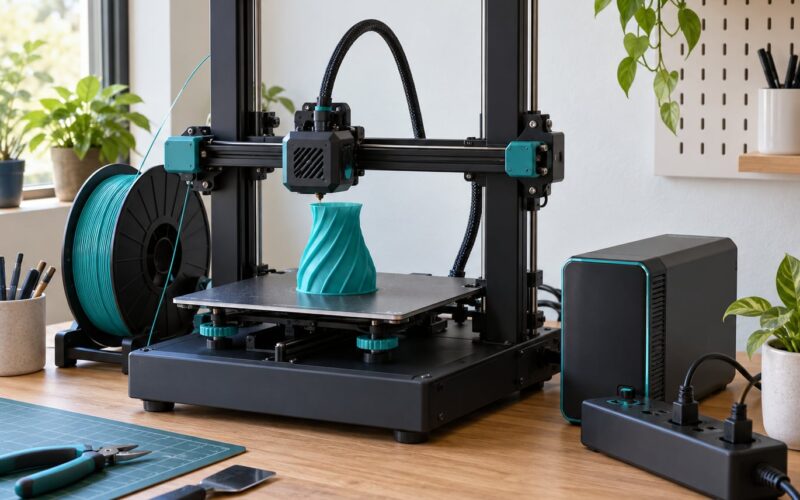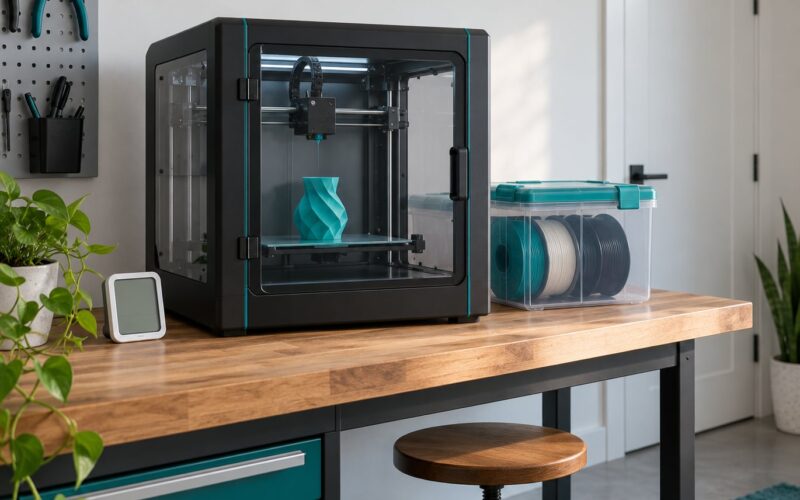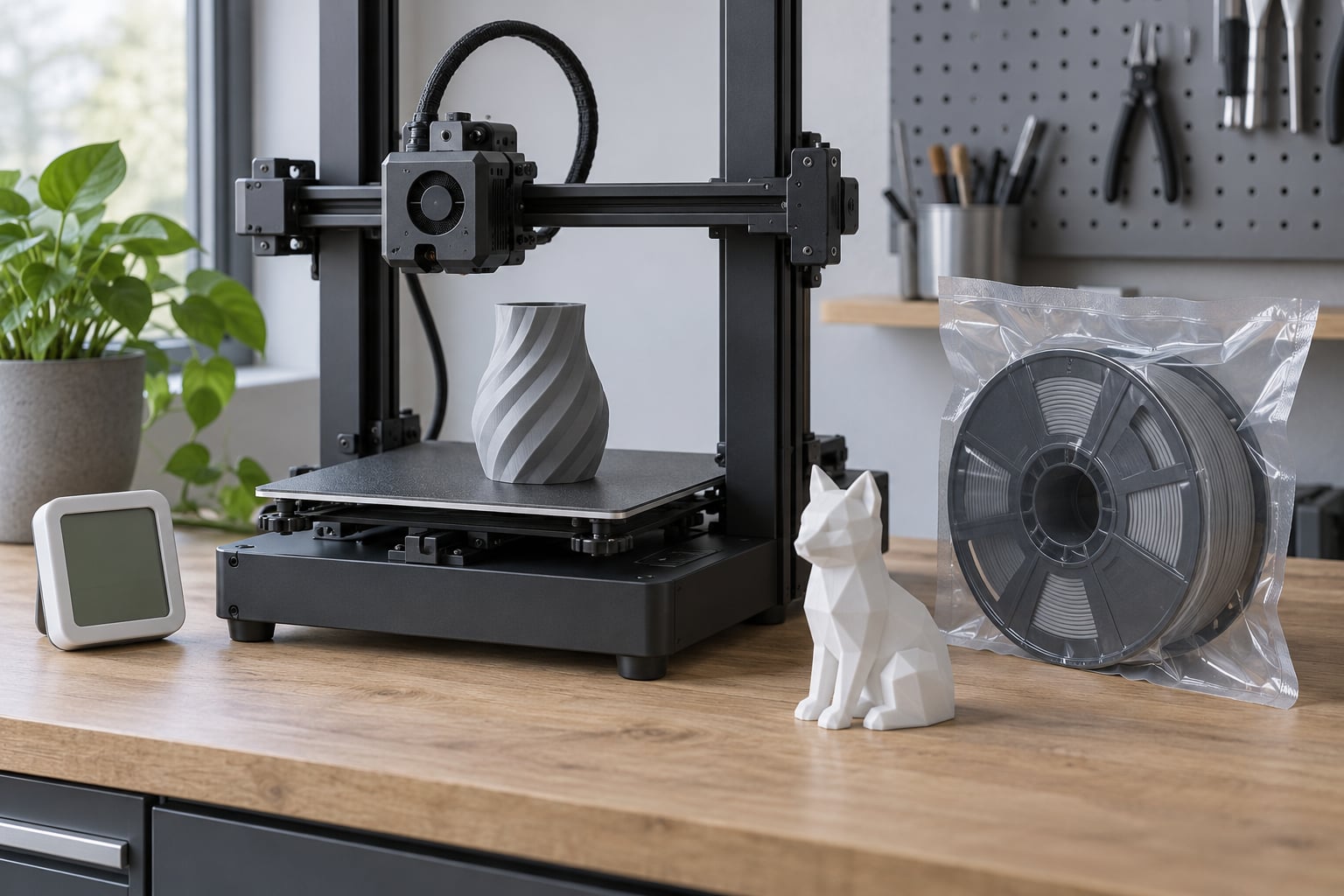
Humidity affects 3D print quality because most filaments are hygroscopic, meaning they absorb water vapor from the air, and that water flashes to steam inside the hot end as the filament melts. The result is popping, stringing, bubbles, rough surfaces, and weaker bonds between layers. Room humidity drives how fast filament absorbs moisture; the moisture inside the spool is what actually damages the print.
The confusing part is that humidity rarely fails loudly. A slightly damp spool prints fine for a while, then a 30-hour job goes wrong somewhere in hour 20 and the whole spool goes in the bin. Understanding the mechanism is the difference between a five-minute dry and a weekend of tweaking retraction settings that were never the problem.
Table of Contents
- How Humidity Affects 3D Print Quality
- Room humidity versus filament moisture
- How humidity affects 3d print quality versus temperature
- What Is the Ideal Humidity Range for 3D Printing?
- Why Moisture Changes PLA, PETG, and Nylon Prints
- Moisture changes viscosity, not just color
- Common Humidity-Related Print Defects
- How to Measure and Control Humidity Before Printing
- How to Dry Filament Correctly
- Humidity Control for Different Printing Setups
- How to Prevent Humidity Problems During a Print
- How to Troubleshoot Prints After Humidity Exposure
- Frequently Asked Questions
- Is 40% humidity bad for 3D printing?
- Can humidity cause first-layer failure?
- Does a heated 3D printer enclosure prevent filament moisture problems?
- Should I dry PLA before every print?
- How can I tell if my filament is wet?
- Does low humidity affect 3D printing?
- Start With Filament Storage and a Hygrometer
How Humidity Affects 3D Print Quality
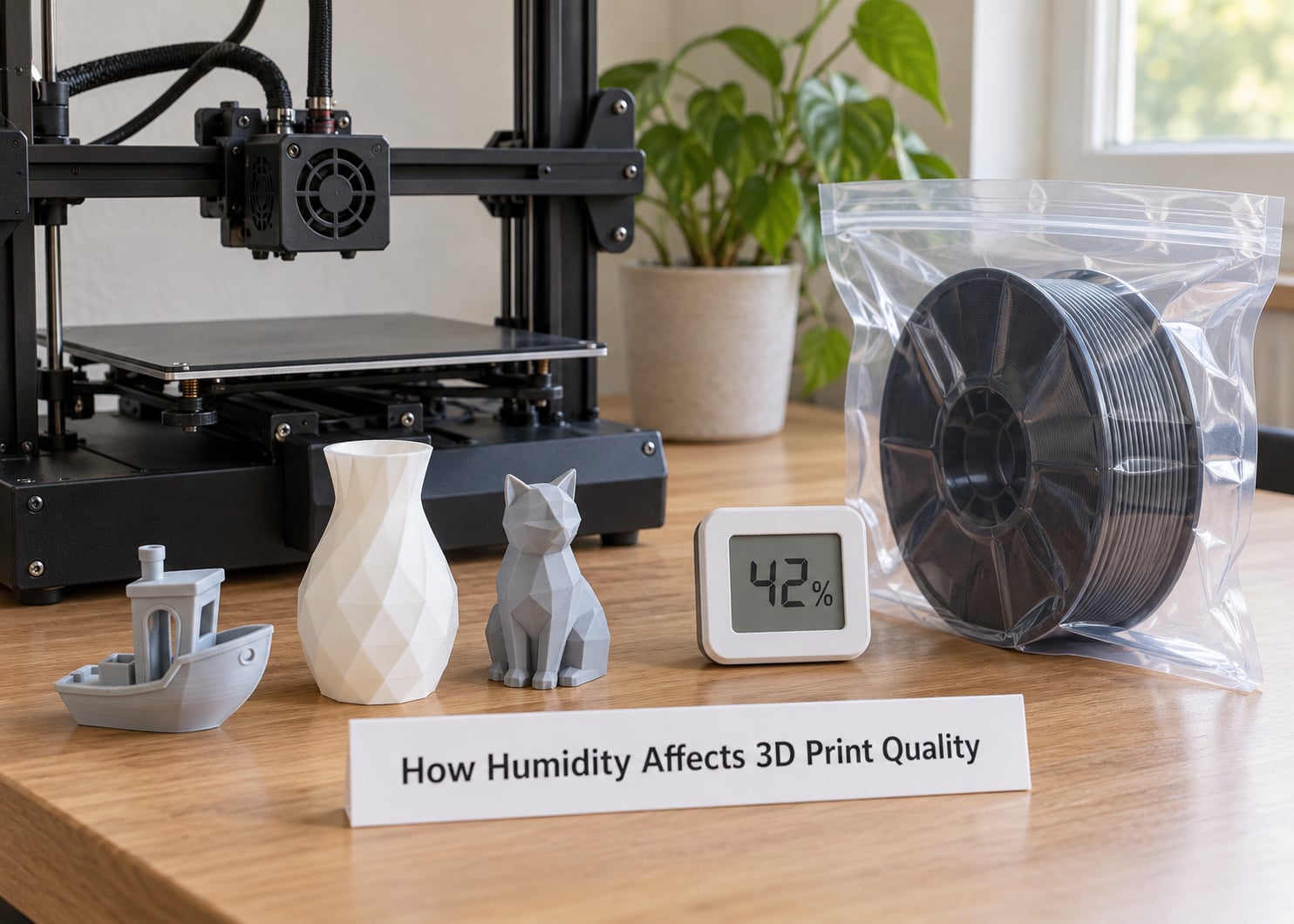
Most 3D printing filament is hygroscopic. It pulls water molecules out of the surrounding air through diffusion, and the rate climbs with relative humidity. Leave a spool open in a 60% RH room for a few weeks and it will hold noticeably more water than the same spool sitting in a dry box.
Here is what happens in the hot end. PETG melts around 240C, nylon and PC go higher, and water boils far below those temperatures. That water turns to vapor inside the melt, expands, and forms voids in the bead as it leaves the nozzle. You see those voids as bubbles, popping, and a rough or pitted surface. The steam also disrupts how the fresh bead fuses to the layer underneath, so interlayer adhesion drops and the part gets weaker and more brittle.
Sustained heat with moisture present also chews at the polymer chains themselves. This is why wet filament can look bad and still feel wrong in the hand, not just look bad.
Room humidity versus filament moisture
This distinction is where most online arguments go wrong. Relative humidity in the room controls the absorption rate. It is not a direct measure of print quality. The damage comes from water already inside the filament.
A sealed spool in a 70% RH room stays dry. An open spool in a 40% RH room that has been sitting for two months may be wetter than a fresh vacuum-packed nylon spool in the same building. Measure both things if you want a real answer.
How humidity affects 3d print quality versus temperature
Humidity alone rarely warps a part. Cold ambient air does that, by letting the outer skin of the extrusion cool before it has bonded. Cool plus humid is the worst combination, because you get both weaker interlayer bonding from the steam and shrinkage stress from the chill. A heated chamber fixes the temperature half of the problem and does very little about the moisture half.
What Is the Ideal Humidity Range for 3D Printing?
For most desktop work, keeping filament storage below 20% RH and the printer room below roughly 50% RH keeps you out of trouble. Nylon, PVA, and PC want a stricter target, closer to 10% RH inside the storage box. There is no single number that works for every material, so use the thresholds below as a set of bands rather than a rule.
| Relative humidity | Risk level | What to do |
|---|---|---|
| Below 15% | Safe for everything | No action needed. This is where nylon and PVA live. |
| 15% to 30% | Low risk | Normal target for storing PLA, PETG, and ABS. |
| 30% to 50% | Moderate | Fine for short prints. Dry nylon, PC, and TPU before use. |
| 50% to 65% | High | Dry filament before printing and reseal spools immediately after. |
| 65% to 80% | Very high | Use an active dryer or a heated, sealed chamber. Expect problems otherwise. |
| Above 80% | Critical | Move filament into controlled dry storage before printing anything functional. |
So is 70% humidity too high? For a coast-rainy week in July, yes for anything moisture sensitive. For PLA printed within a few days of opening, you will probably get away with it. The number matters less than the time the filament spends in that air.
Why Moisture Changes PLA, PETG, and Nylon Prints
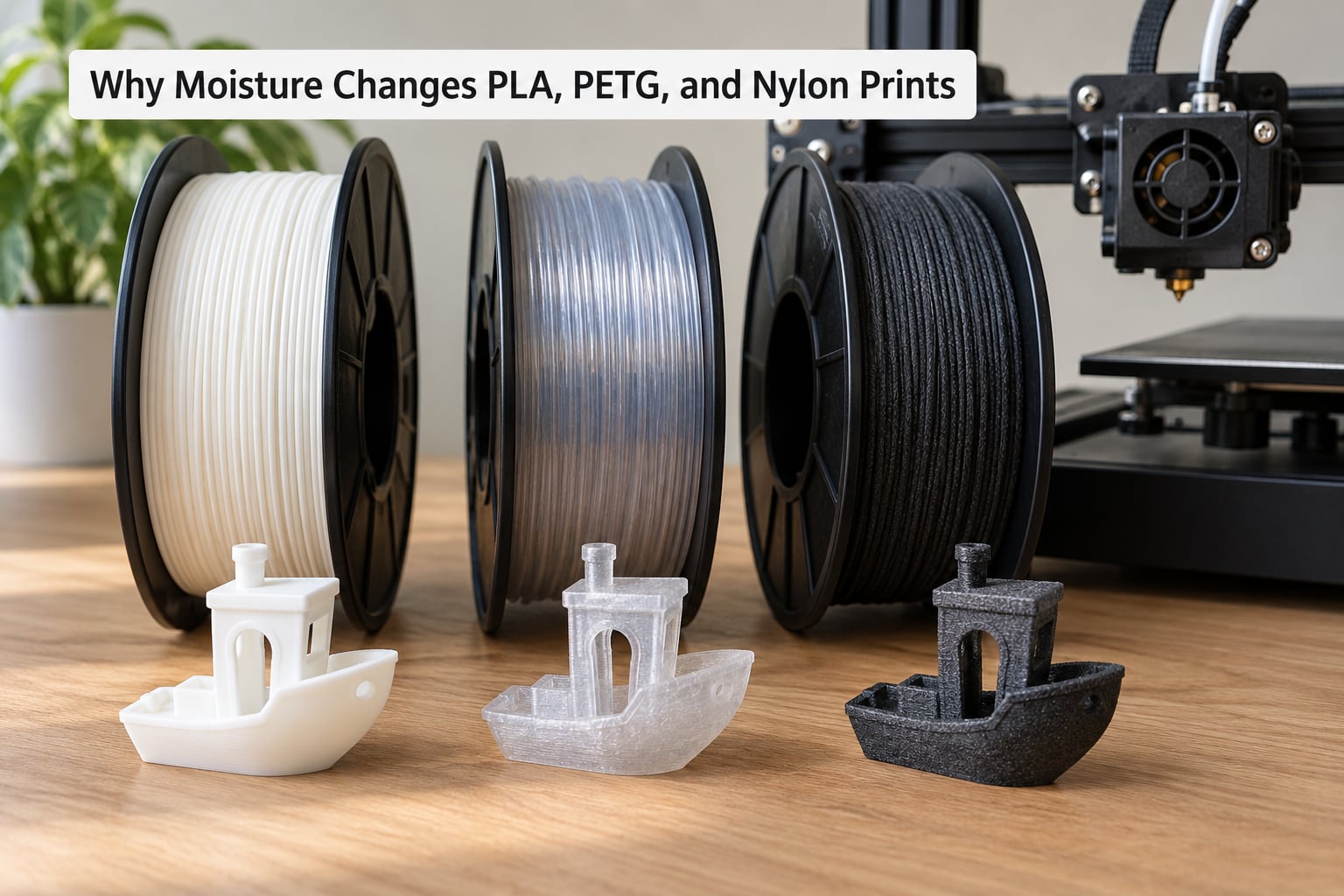
Different polymers absorb water at wildly different rates and tolerate it to different degrees. That is why a nylon user sees dramatic failures in the same room where a PLA user sees nothing wrong. PLA is comparatively forgiving. Nylon is famously unforgiving.
| Material | Moisture sensitivity | Typical effect when wet |
|---|---|---|
| PLA, PLA+, Silk PLA | Low to moderate | Slightly rougher surface, more stringing, occasional popping |
| PETG | Moderate | Popping, bubbles, brittle-looking parts, poor layer fusion |
| ABS, ASA | Moderate to high | Surface pits, bubbles, weakened layers |
| TPU | High | Inconsistent flow, rough surface, extrusion stops, nozzle clogs |
| PC | High | Bubbles, severe loss of strength, stringing |
| PA / Nylon (PA6, PA12) | Very high | Foaming at the nozzle, bubbling, prints that shed layers |
| PVA water-soluble support | Very high | Softens in the nozzle, support fails to dissolve cleanly |
| CF composites (PAHT-CF, PET-CF, PLA-CF) | Inherits base resin sensitivity | All base-resin symptoms, plus abrasive wear on the nozzle |
Moisture changes viscosity, not just color
Water in the melt changes how the polymer flows under pressure. Wet filament is harder to push through a narrow nozzle consistently, so extrusion diameter varies layer to layer. That uneven flow shows up as a wavy surface, visible ridges, and inconsistent wall thickness, even when the slicer profile is perfect.
Color is the least useful signal. Some damp spools print fine at 20% flow and refuse at 5% flow on the same geometry, which is why chasing flow multipliers can waste an evening.
Common Humidity-Related Print Defects
Here is a symptom-to-cause map. The right-hand column is the first thing to try, in order, before you change anything in the slicer.
| Symptom | Moisture-related cause | Look-alike to rule out |
|---|---|---|
| Popping or crackling during extrusion | Water boiling in the melt | Too-high nozzle temperature, wet filament residue |
| Fine stringing and hairs | Reduced melt viscosity and poor flow control | Retraction, temperature, nozzle wear |
| Rough, grainy, pitted surface | Bubbles leaving the bead | Under-extrusion, dirty nozzle, wrong first layer |
| Visible voids on cut sections | Steam trapped inside the bead | Voiding from poor infill or speed |
| Layers splitting apart | Steam blocking the bond between layers | Z hop too high, part cooling, low bed heat |
| Uneven extrusion lines | Moisture changing melt viscosity | Flow ratio, inconsistent feed, partial clog |
| Corner lift and warping | Moisture plus cool ambient air | Drafts, bed adhesion, too much cooling |
| Nozzle clog after a long idle | Degraded material from heat and moisture | Heat creep, a broken PTFE liner, creep-out at the cold end |
Popping is the one symptom close to unambiguous. If you can hear it, moisture is a strong suspect. Everything else on this list has a look-alike, which is exactly why humidity gets misdiagnosed so often.
How to Measure and Control Humidity Before Printing
A hygrometer measures the water vapor in the air around it, which inside a sealed dry box means the air the spool is exposed to. It does not measure water dissolved inside the polymer. There are meters that measure filament moisture directly, and they cost more, but a cheap hygrometer in a sealed box answers the question most people actually have.
Put a hygrometer inside your storage box, not in the room, and check it before you print. Cheap indicators that change color are less precise, so treat a saturated indicator as a prompt to regenerate or replace the desiccant rather than an exact reading. Community members also point out that indicator colors are not always reliable at the margins.
Condensation on the inside of a bag or box is the giveaway that something is wrong. Water should never pool there.
Room-side controls that matter: keep filament off concrete floors, close the box right after a print, avoid running a dehumidifier in the same small room as the printer without thinking about where the dry air goes, and run any dehumidifier on a schedule you actually follow.
How to Dry Filament Correctly
Drying removes water that has already been absorbed. Dry storage only limits how much gets absorbed next. Doing one does not substitute for the other.
The table below gives common starting ranges. Always follow your filament supplier’s numbers, because spool temperature limits vary a lot between brands and a warped spool is permanent.
| Material | Typical drying temperature | Typical duration | Watch for |
|---|---|---|---|
| PLA | 40 to 45C | 4 to 6 hours | Over-drying makes it brittle and prone to snapping in the extruder |
| PETG | 55 to 65C | 6 to 8 hours | Spool warping at the top |
| ABS, ASA | 65 to 75C | 6 to 8 hours | Softening the outer layers if left longer |
| TPU | 50 to 60C | 6 hours | Moisture usually needs 12+ hours at lower heat |
| PA / Nylon | 70 to 80C | 12 to 24 hours | Spool damage above the rated limit, hygroscopic cage corrosion |
| PVA | 45 to 55C | 6 to 8 hours | Dissolves in water, so keep it fully dry at all times |
| PC | 80 to 90C | 8 to 12 hours | Always confirm the spool’s rated maximum |
Nylon needs its own step. Fresh nylon spools often arrive slightly dry and need conditioning before the first print, which is a moisture treatment, not a rescue dry. Conditioning and drying solve opposite problems.
Let the spool cool to room temperature inside its packaging before you open it. A spool that goes from a warm dryer straight into humid room air will pull moisture faster than the dryer removed it.
Two warnings. Kitchen ovens overshoot at low dial settings, and an uncontrolled temperature cycle warps spools and dulls the finish; if you use a food dehydrator, use the probe and treat the low end of its range only. And baking filament in an oven used for food is a bad idea on hygiene grounds alone.
Humidity Control for Different Printing Setups
Your setup decides how much of this you have to manage by hand. Open-frame printers in an air-conditioned bedroom are the easiest case. A printer in a humid workshop with an open frame is the hardest, because the spool sits in the same air as the machine for the entire print.
An enclosure buffers humidity. Hobbyists consistently report that enclosed machines buffer it better than open frames without eliminating the problem, and an enclosure with active chamber heating and a dry box inside it is close to what industrial machines do. A heated chamber on its own holds temperature steady but does not remove moisture from the spool; it just changes how fast the rest of the room absorbs it.
Dry storage covers both ends: sealed boxes with desiccant for the shelf, and either a heated chamber or a dedicated filament dryer feeding the printer for long jobs. For multi-day prints in a humid climate, printing directly from a dry box or feeding through a sealed tube is the change people report making the biggest difference.
Two compromises to avoid. A dry box with no airflow can read dry on the hygrometer while the inner layers of the spool are still damp, and the spool pops anyway. And an enclosure that traps the machine’s own heat-soaked air without any fresh dry air simply lowers the rate of exchange rather than fixing anything.
How to Prevent Humidity Problems During a Print
Before the print, condition the filament if it has been open, check the hygrometer in the box, and top up or regenerate the desiccant. Reseal the bag with a clip or a vacuum seal rather than twisting the zip closed.
Load the spool and start the print quickly. Every minute the extruder sits idle with a partially fed spool is another chance for moisture to sit in the melt.
During long prints, watch temperature and humidity together rather than temperature alone. A chamber holding steady at 35C in a 65% RH room is stable and still slowly loading moisture. If popping starts partway through a long job, pausing safely, resealing the spool, and drying it beats restarting immediately on the same wet material.
Label spools with an opening date or a drying date. Long-time users treat opened filament as perishable, and the label is the cheapest diagnostic tool you own.
How to Troubleshoot Prints After Humidity Exposure
Run this sequence in order. It is designed to be boring so you do not change three variables at once.
- Rule out the cheap causes first: check the nozzle for partial clogs, confirm the filament is feeding, and verify the first layer is not the problem.
- Pop a fresh test model, such as a small calibration cube or a temperature tower, and note the exact symptoms rather than describing them generally.
- Dry the spool fully according to the table above, then reseal it and let it cool inside the bag.
- Reprint the same test model with an unchanged slicer profile. Same file, same settings, same machine.
- Compare the two prints side by side under the same light. That comparison is your evidence.
If drying changes nothing, the cause is somewhere else and you should look at retraction, nozzle temperature, or flow next. The single most common wasted evening on this topic is a week of retraction tuning on a spool that needed six hours in a dryer.
Clean the nozzle and check the hot end afterward if the filament had been sitting in the melt, since degraded material can leave residue that survives drying the spool.
Frequently Asked Questions
Is 40% humidity bad for 3D printing?
For PLA and PETG used within a few days of opening, a room at 40% RH is usually uneventful, though you may see slightly more stringing than in a dry room. For nylon, PC, TPU, and PVA it is already high enough that you should dry the filament first and store it below 20% RH. Room humidity drives how fast filament absorbs moisture, so the real question is how long an open spool sits in that air.
Can humidity cause first-layer failure?
Sometimes, but less often than people assume. Moisture can make melt viscosity unpredictable, so the bead may not land with consistent width on the first pass, and steam pressure can make a corner lift. First-layer failures are far more often caused by Z offset, bed leveling, bed temperature, or an unhumidified, uneven first layer. Rule out the mechanical causes before blaming the spool.
Does a heated 3D printer enclosure prevent filament moisture problems?
Partly. An enclosure buffers room humidity swings, and a heated chamber stabilizes temperature, which helps with warping and layer bonding. Neither removes water already inside the filament. For that you need dry storage with desiccant, a heated chamber with its own drying function, or a dedicated filament dryer feeding the printer.
Should I dry PLA before every print?
No. In a room below about 40% RH, a PLA spool used within a few weeks of opening usually needs nothing. Drying every spool wastes time and slowly degrades the material, since PLA goes brittle when over-dried and becomes prone to snapping in the extruder. Dry it when you hear popping, when the surface turns rough, or after a spell in humid conditions.
How can I tell if my filament is wet?
Listen first. Popping and crackling during extrusion, tiny bubbles at the nozzle, and a persistent haze of stringing are strong signals. Rough or pitted sidewalls, uneven extrusion lines, and layers that split when you snap the part are the visual ones. A humid room plus visible condensation inside the spool bag makes it near certain. Confirm with a dry-and-reprint test on an unchanged profile.
Does low humidity affect 3D printing?
Rarely, and far less than high humidity does. Very dry air can make some hygroscopic filaments, particularly nylon, slightly stiffer and more prone to feed inconsistency, and it can pull a tiny amount of moisture out of exposed filament. Nothing you are likely to notice in a normal room. Static and comfort are the more practical reasons people chase low humidity in a living space.
Start With Filament Storage and a Hygrometer
Four things to do first, in this order. Identify the material and check where it sits on the sensitivity list, because nylon and PLA need completely different habits. Put a hygrometer inside whatever box you store spools in and write down the reading. Open one spool and listen to the first 30 seconds of extrusion. Then dry according to the supplier’s numbers, cool the sealed spool, and run a small test model before committing to a long job.
That routine takes about fifteen minutes and it settles nearly every question that comes up later. If humidity affects 3D print quality for you, it will show up in those 30 seconds of noise long before it shows up in a failed part.