Printing at home is safe for almost everyone, almost all of the time. A printer is a small heated machine on a desk, not an open flame, and the number of printers that have actually caused a room fire is tiny. What makes fire safety tips for 3D printing at home worth following is that the failure mode is sudden and the fuel is already sitting right next to the machine: filament spools, cardboard, paper, wood shelving.
So the goal is not fear. It is layers. Stop the heat, take away the fuel, detect early, and know in advance what you will do if something goes wrong. I have printed in small apartments and spare rooms for years and the same short list comes up every time.
Table of Contents
- Fire Safety Tips for 3D Printing at Home at a Glance
- 1. Choose a Safe Printer Location
- 2. Use a Nonflammable Print Surface
- 3. Inspect the Printer Before Every Print
- The pre-flight check in 60 seconds
- 4. Keep Filament Away from Heat and Flames
- 5. Understand Which Materials Emit More Fumes
- 6. Ventilate the Printing Area Properly
- 7. Never Leave a Printer Unattended
- 8. Keep an Appropriate Extinguisher Nearby
- 9. Know the Warning Signs of an Overheating Print
- 10. Plan What to Do in an Emergency
- Frequently Asked Questions
- Is it safe to 3D print inside a house?
- Is it safe to leave a 3D printer on all night?
- Is it common for 3D printers to catch fire?
- Is a smoke detector enough for a 3D printer?
- What do I do if my 3D printer starts smoking or catches fire?
- Is it safe to print ABS or nylon at home?
- Where to Start This Week
Fire Safety Tips for 3D Printing at Home at a Glance
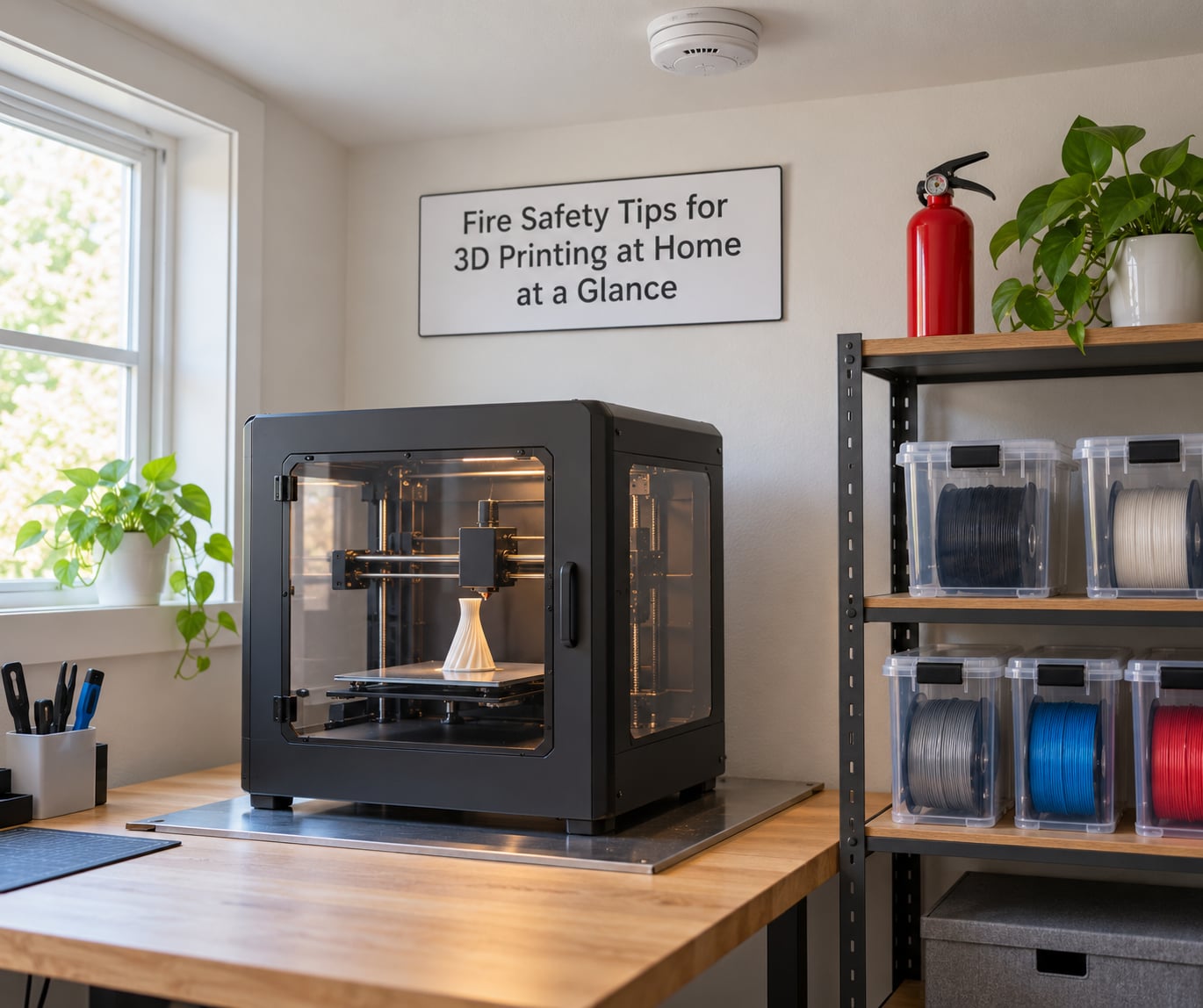
This table is the version to keep next to the printer. Each row pairs a risk with the single action that addresses it and the sign that means you should act immediately.
| Risk area | What to do | Warning sign to act on |
|---|---|---|
| Where the printer sits | Clear space on all sides, away from curtains, paper and heat sources | Any storage or drying box pushed against the frame |
| Print surface | Metal, ceramic or tile base under the bed | Scorched or discoloured wood or melamine |
| Filament storage | Sealed containers, cool dry room, spools off the printer | Spool storage directly above an exhaust or heater |
| Materials | Prefer PLA and PETG at home; check safety data for the rest | A sharp styrene smell filling the room |
| Ventilation | Exhaust to outside air or filtered recirculation | Odor you notice immediately after walking in |
| Monitoring | Working smoke or heat alarm in the same room | A long print with nobody awake or home |
| Suppression | One suitable extinguisher within reach of the exit path | Extinguisher blocked or past its service date |
| Electrical | Direct wall socket, no extension lead or power strip | Any sign of scorching on a plug or socket |
1. Choose a Safe Printer Location
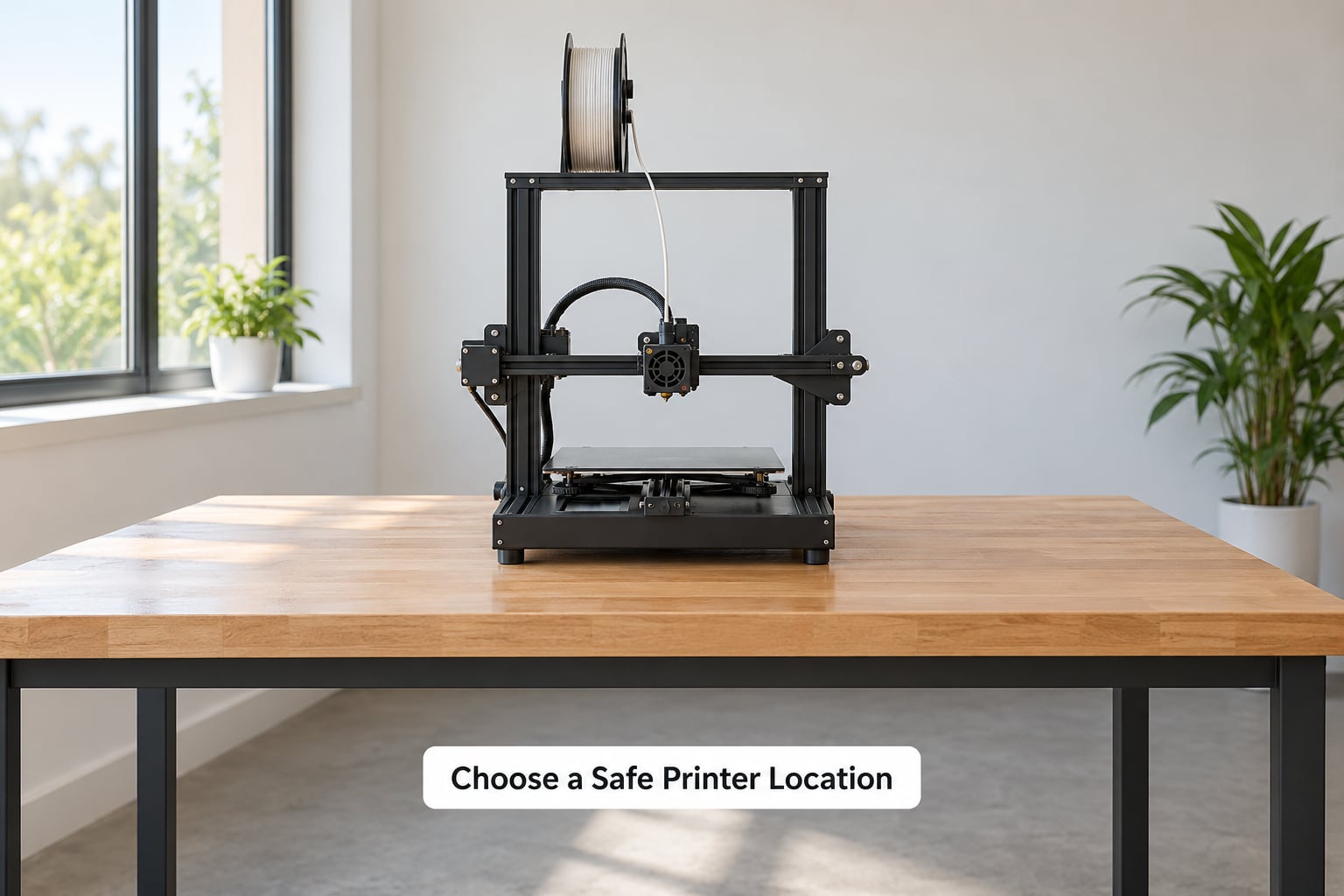
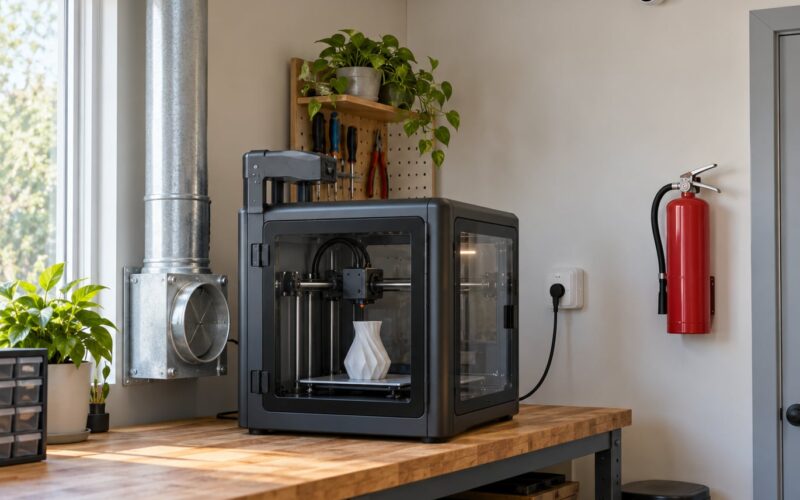
Put the printer where the worst realistic outcome is a damaged machine and a scorched wall, not a burning room. That means a workbench or desk with air on all four sides, not a shelf in a cupboard or a corner under a stack of paper.
Keep it away from curtains and blinds, cardboard boxes, paper storage, foam, and any aerosol cans or solvents. Avoid kitchens and laundries, which already hold cooking oil, cleaning products and heating appliances, and skip bedrooms if you can, since you sleep through the warning signs.
Leave clear space to the exit. If you ever have to move fast, you want the path between you and the door free of printer parts, filament and cables.
2. Use a Nonflammable Print Surface
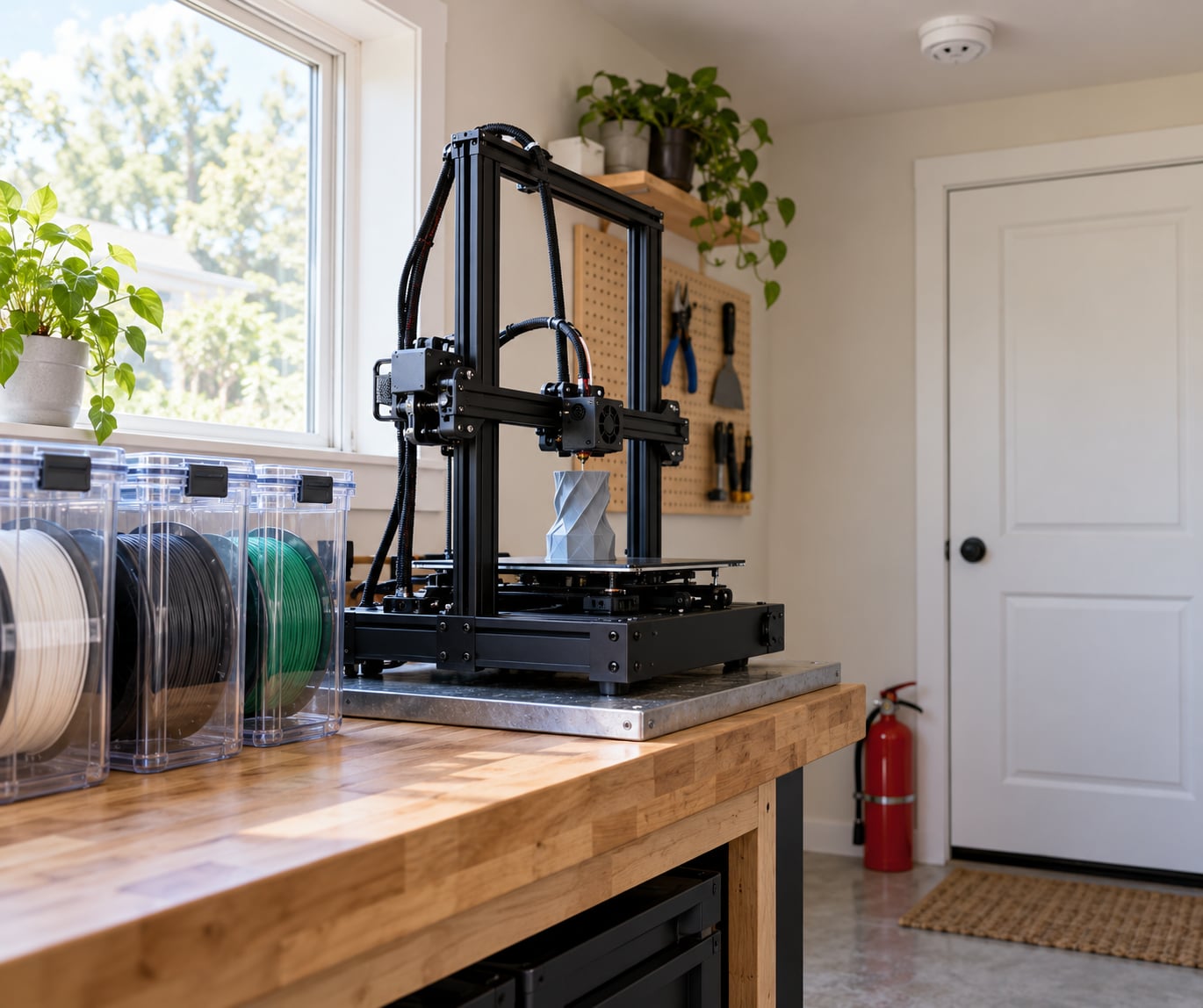
A thin steel plate, a ceramic tile, a concrete slab or a purpose-made fireproof mat under the bed changes what happens when something goes wrong. The hot end runs well above the temperature needed to ignite paper and wood, so the surface under it matters more than most people assume.
Bare plywood and particle board are not fireproof. They char, and MDF has a poor reputation for the way it behaves once it does. Melamine and plastic-laminate desktops are the same story, and any of them can transfer heat to a surface underneath.
Mine is a tile offcuts scrap pile on a solid bench, which cost me nothing and has never let me think about it again.
3. Inspect the Printer Before Every Print
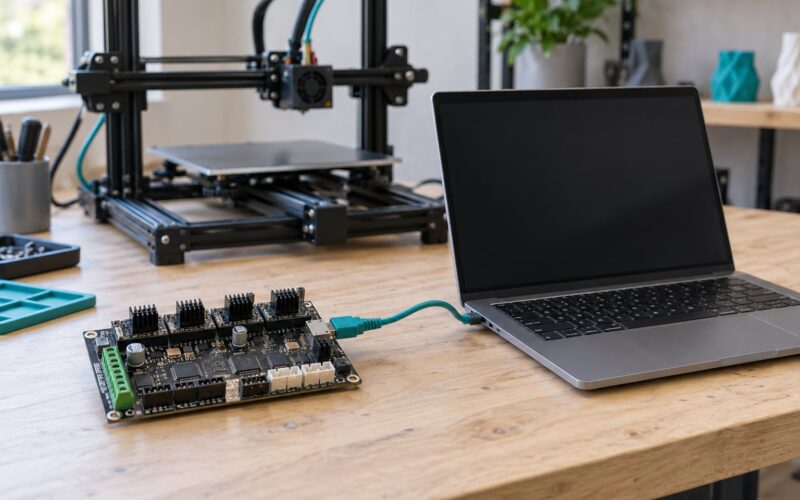
A two-minute pre-flight check catches most of the problems people discover the expensive way. Look along the wiring loom from the controller to the heated bed, then run the cable that moves with the toolhead and check for stiff sections, exposed copper or a connector that sits loose when you wiggle it.
The pre-flight check in 60 seconds
Check the hot end is free of old filament and partial blockage, since a nozzle clog that forces a jam can leave the heater block cooking against a stuck part. Confirm the bed is clear of scraps and that nothing flammable sits within reach of the nozzle. Check intake and exhaust vents are not blocked, the first layer is not going to squish a finger against a loose bed sheet, and the printer is not sitting inside an enclosed box of unrated foam.
Then stand there for ten seconds and listen. A faint electrical hum is normal. Clicking, grinding, a fan that rattles or any hot-plastic smell before a print has started is not.
4. Keep Filament Away from Heat and Flames
Filament is solid plastic in a form that ignites relatively easily once it is at printing temperature, and the spool itself is a large amount of fuel sitting within arm’s reach of the machine. Store it the way the manufacturer says, which usually means sealed or resealable containers in a cool, dry room away from direct sunlight.
Do not store spools above a printer, above a filament dryer or on top of a warm electronics shelf. Heat ages vinyl and PETG before you ever use it, and a heated bed and hot end both push air upward.
Drying boxes are worth checking too, many of them use heated chambers, and a dry box sitting right next to an already hot printer stacks heat where you least want it.
5. Understand Which Materials Emit More Fumes
Not every filament is equally friendly to a room full of people. PLA is generally considered the lowest-emission choice and is a sensible default for a home printer. PETG sits in a similar low-to-moderate range, and TPU is manageable with airflow, though it is stickier and more of a nuisance to print than a hazard.
ABS, ASA, polycarbonate and nylon need more respect. They print hotter and carry a sharper styrene smell, and that odour is a signal rather than a background detail. If you print them, run them in an enclosure with an exhaust and mention it if anyone in the household has asthma or reacts to fumes.
Resin printing is a separate conversation, because the liquid resins are far more hazardous than the fumes and the isopropyl alcohol used to wash parts is flammable. Store resin and IPA in a cabinet away from the printer, keep the wash area ventilated, and never pour wash alcohol down a drain. Whatever you use, read the safety data sheet rather than a forum thread, including for the filament you already own.
6. Ventilate the Printing Area Properly
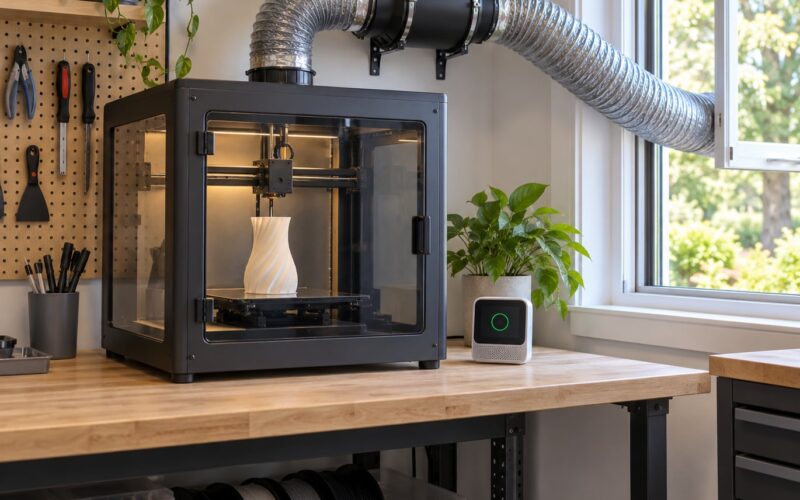
Ventilation is the fix that helps with fumes, odour and heat all at once. The best arrangement for a home setup is an enclosure with an inline duct fan that exhausts to outside air, so fumes do not simply recirculate into the room where you live.
If you cannot vent outside, a HEPA plus activated carbon filter unit at the enclosure is the second best option. Position it so filtered air returns to the enclosure inlet rather than blowing away from it, otherwise you are creating a pressure difference that pushes unfiltered room air past the printer.
Do not seal the printer into a closed room with no air movement, and keep ventilation equipment on a timer that runs a while after the print finishes, since most emissions happen while the hot end is still hot and the part is cooling.
7. Never Leave a Printer Unattended
The single most useful habit is the least glamorous one: check on the printer. For a print that runs more than an hour or two, that means a look every so often, and never starting a long job right before you leave the house or go to bed.
I know that rules out a lot of overnight printing, which is where most people actually want to print. If you are going to do it anyway, stack the other protections: a working smoke or heat alarm in the same room, a camera or remote monitoring app that sends alerts when temperatures stop responding, thermal runaway protection enabled in firmware, and a smart plug or relay that can cut power from somewhere else.
Is it common for 3D printers to catch fire? No. Reported incidents are rare and the overwhelming majority involve a jammed nozzle or a hot end that was never able to reach a stable temperature, but a printer surrounded by plastic and paper escalates quickly once it starts, and the people who suffer losses are usually the ones who left it running unattended.
8. Keep an Appropriate Extinguisher Nearby
You want something you can reach without walking past the fire, and you want to have used one before or at least watched a trained person use one. For a small electrical or plastic fire, a dry powder extinguisher is a common choice because it interrupts the chemical reaction rather than cooling, and it leaves a residue that will need cleaning out of the printer afterwards.
A CO2 extinguisher leaves no residue and is gentler on electronics, but it works by displacement in a confined space, so it needs more ventilation behind you and it will not cool the embers. Check the label for what it is rated for and confirm the service date before you rely on it.
Keep it on the route between the printer and the door, never behind the printer. And be realistic about scope: extinguishers are for a small incipient fire that you can approach from the exit side. Anything larger is an evacuation, not a firefighting job.
9. Know the Warning Signs of an Overheating Print
Thermal runaway is what people mean when they say a printer caught fire, and the mechanism is simple. A thermistor sends the controller the hot end temperature, the controller decides how much power to send to the heater block, and a failed or loose thermistor means the reading is wrong. The heater keeps calling for heat, the block climbs far past its target, and nearby plastic or the printer’s own housing eventually ignites.
The signs arrive in a rough order. A hot-plastic or scorched smell that you notice as soon as you enter the room, then smoke, then an alarm or a flickering light as the electrical load changes, and often repeated thermal runaway warnings on the screen before the worst happens.
When you see any of those, stop the print and unplug the machine at the wall if it is safe to reach. Do not open an enclosure that is full of smoke, and do not try to clear a jam while the hot end is still hot, because a jam near the nozzle is one of the more common starting points for all of this.
10. Plan What to Do in an Emergency
Decide the sequence now, while you are calm, so that you do not have to invent it later. First, stop the print from the printer or the monitoring app if you can do that remotely. Second, if it is safe and you have a clear path, cut power at the wall rather than at the extension lead.
Third, if there is no flame and only a smell or a wisp of smoke, stand back, ventilate the room from the doorway if you can, and call the fire service if the smoke is not clearing quickly or the printer has already ignited.
If there is flame, get everyone out and close the door behind you. Call your local emergency number from outside, and warn others in the building. Do not go back in for the printer, the filament or anything else.
The printer is replaceable. Write that down somewhere you will read it during a panic, because almost nobody does in the moment.
Frequently Asked Questions
Is it safe to 3D print inside a house?
Yes, for the vast majority of homes. A printer is a contained, low-power heating element on a desk, and fires are rare. The reasonable precautions are a nonflammable surface, clear space around the machine, a working smoke alarm in the same room, decent ventilation, and not running long unattended prints in a bedroom. Most hobby communities treat PLA and PETG as safe defaults for indoor use.
Is it safe to leave a 3D printer on all night?
It carries more risk than printing while you are awake, because nobody is there to smell the first warning signs or cut power in the first minute. If you do it, reduce the odds: enable thermal runaway protection, confirm auto-shutdown on maximum temperature works, run a smoke or heat alarm in the room, set up remote monitoring with alerts, and put the printer on a nonflammable surface with limited fuel around it.
Is it common for 3D printers to catch fire?
No. Reported incidents are uncommon and most involve a jammed nozzle or a hot end stuck above its target temperature because of a failed or loose thermistor. The reason people still take it seriously is the surroundings: an enclosed printer running hot in a room full of filament spools, cardboard and wood can turn a small problem into a room problem in minutes.
Is a smoke detector enough for a 3D printer?
A working ceiling alarm is the minimum, not the complete answer, especially for an enclosed printer where smoke takes longer to reach the ceiling and mix through the room. Add detection closer to the machine, or at minimum keep a working alarm in the same room as the printer. Layers of detection plus a nonflammable surface and firmware cutoffs are what actually change the outcome.
What do I do if my 3D printer starts smoking or catches fire?
Stop the print remotely if you can. If it is safe to reach, cut power at the wall rather than at the plug strip. With smoke but no flame, stand back, open the room from the doorway and call the fire service if it does not clear. With flame, evacuate everyone, close the door behind you, call emergency services from outside, and do not go back for the printer.
Is it safe to print ABS or nylon at home?
It is doable, but those materials print hotter and give off a sharper styrene smell, so they deserve more care than PLA or PETG. Print them inside an enclosure with an exhaust to outside air or a proper filter, keep the room well ventilated, and be extra careful with anyone in the household who reacts to fumes. Check the safety data sheet for the specific filament before you commit.
Where to Start This Week
If you do three things today, make them these: move the printer onto a metal or tile surface with clear space around it, test that thermal runaway protection is actually enabled and that your printer shuts down when it is told to, and put a working alarm in the same room as the printer.
Those three cover the failure modes that turn into losses. Everything else in this list of fire safety tips for 3D printing at home is refinement on top of them.