To find free printable 3D models safely, download from established libraries that show the model in the browser, confirm the file extension matches a mesh or CAD format, read the licence before you use the file, and save every download to one folder so you can scan it before opening anything. The whole check takes about five minutes per model.
That matters because “safe” on a model site means three separate things that people constantly mix up. There is the file itself — an STL or 3MF is inert geometry, but an archive or installer arriving alongside it is not. There is your account data, since most libraries want an email address before you download. And there is the licence, because a free download often carries restrictions on selling or remixing what you make.
None of the long listicles online get past the first of those three. They rank sites by catalogue size and call the whole thing settled. This guide takes the opposite order: check the source, check the file, check the rights, and only then hand the model to your slicer.
Table of Contents
- What You Need
- How to Find Free Printable 3D Models Safely: Step-by-Step
- Choose the file format your printer can actually use
- Search reputable libraries: where to find free printable 3D models safely
- Verify the creator, publisher, and community reputation
- Read the licence before downloading or printing
- Use a safe search checklist before opening the download
- Save the download to a dedicated folder and scan it before extracting
- List archive contents and inspect scale, geometry, and metadata
- Repair or preview the mesh before slicing
- Run a low-risk test print
- Record the source and archive the evidence
- Common Mistakes
- Frequently Asked Questions
- Is a free printable 3D model automatically free to sell?
- What file type is safest to download for home 3D printing?
- How can I tell whether a 3D model download is malicious?
- Can I modify a downloadable 3D model for commercial use?
- Where can makers find reputable free 3D model repositories?
- Conclusion
What You Need
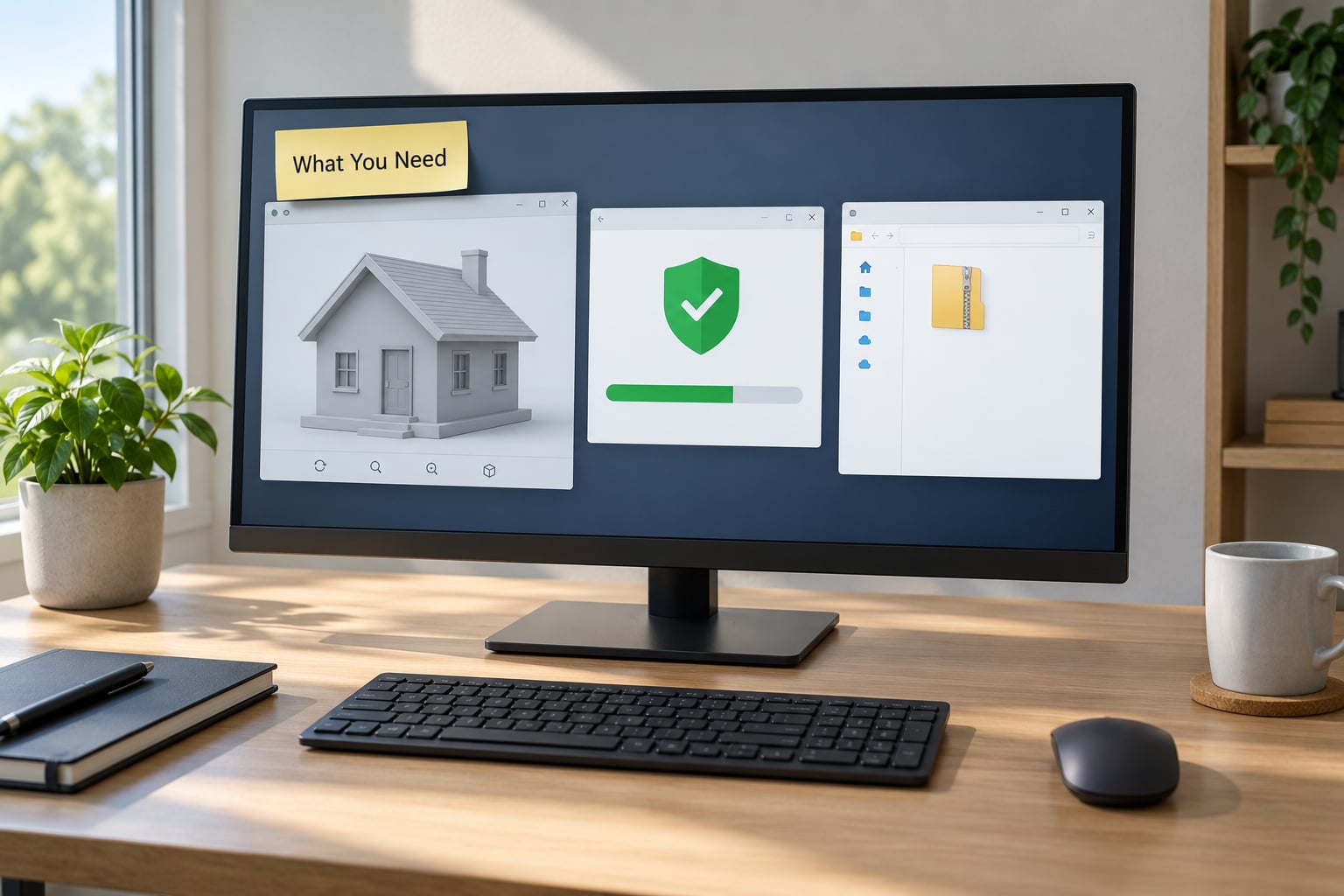
Five things, and not one of them costs money. If your computer already has a browser and an antivirus, you can run this entire workflow today.
- A browser with automatic download protection. Chrome, Edge, Firefox and Safari all flag some risky file types and warn on password-protected archives. Keep that protection on.
- A file archiver or 3D file viewer. 7-Zip lists an archive’s contents without extracting anything, and a viewer such as Windows 3D Viewer or Meshlab opens meshes so you can look before you slice.
- Antivirus software. On Windows that is usually Defender, which is fine. On macOS or Linux, use a built-in or a lightweight third-party scanner — the habit matters more than the brand.
- A text editor. Notepad or any plain editor. You will open licence files, metadata sidecars and text documents to see what they actually claim.
- A dedicated folder for model downloads. Something like
Downloads/3D-models/. Isolating the files makes scanning, cleaning up and record-keeping straightforward instead of guesswork.
Your slicer is on this list too, even though the plan below deliberately stops before slicing. PrusaSlicer, Bambu Studio and OrcaSlicer all load STL and 3MF files, and the loading step is where a mesh reveals its real dimensions.
How to Find Free Printable 3D Models Safely: Step-by-Step
Ten checks, run in this order. The order matters: cheap signals first, because the licence and file-type checks take seconds and rule out the most trouble.
Choose the file format your printer can actually use
Know which format you are getting before you click anything, because the extension tells you both what the file is and how much it can tell you about itself.
- STL is geometry only — a triangle soup. It prints almost anywhere and carries no scale information, no colours, no materials and no licence. Almost every library on this topic uses it.
- 3MF is the modern container format. It can carry real-world scale, multi-colour and multi-material assignments, recommended layer heights and infill. If a site offers both, 3MF is the more informative file.
- OBJ carries basic materials and texture references, so it shows up for scenery and display models rather than mechanical parts.
- STEP is a CAD solid format with exact dimensions and tolerances. Useful for parts that must fit real hardware, and slicers handle it inconsistently.
- 3D CAD files from engineering libraries are usually source geometry you can inspect and modify rather than a finished mesh.
Anything ending in .exe, .scr, .bat, .cmd, .msi, .jar, .js, .vbs, .ps1 or .iso alongside a model is a red flag, not part of the model. So is a password-protected ZIP, because that is a common way to slip a payload past scanners and humans.
How you can tell it worked: the format you downloaded matches what your slicer expects, and if you downloaded STL you already know the file carries no dimensional information — so you will have to measure it yourself in step 7.
Search reputable libraries: where to find free printable 3D models safely
Most downloads people worry about come from search-engine results, not from the well-known communities. Search for a model, then download it from the library’s own domain rather than whatever the result page happens to point at.
These are the communities that come up repeatedly in r/3Dprinting, r/functionalprint and the vendor forums, and that I would treat as established rather than experimental:
| Source | Account to download | Typical licence | Best for |
|---|---|---|---|
| Printables | Free account | Mix of open licences and personal-use | Community models with real print photos |
| MakerWorld | Free account | Varies by uploader | Printer profiles and ready-to-print files |
| Thingiverse | Account in some cases | Mostly user-selected open licences | The largest legacy catalogue of free STLs |
| Cults3D | Free account | Free and paid, licence varies | Designers who publish explicit licence terms |
| MyMiniFactory | Free account | Generally personal use | Tabletop miniatures and scenery |
| Thangs | Free account | Varies by uploader | Searching across community libraries |
| GrabCAD | Free account | Engineering community uploads | Mechanical parts and jigs |
Judgement calls vary here and change over time. Threads on r/3Dprinting repeatedly point beginners at MakerWorld, Printables, Thangs, Cults3D and MyMiniFactory, while describing Thingiverse as holding the biggest legacy catalogue but feeling dated. I would check current sentiment and independent reviews before committing an email address, since policies shift.
Search engines and aggregator sites such as Yeggi or STLFinder are useful for discovery, and they change where the file actually comes from: you end up downloading from a host the search page chose, not the community. Treat those as a pointer to the original library, and follow it back.
How you can tell it worked: the page loaded on the community’s own domain over HTTPS, the model rendered in the browser before any download, and the licence was visible without an account.
Verify the creator, publisher, and community reputation
Check who uploaded it, not just what it is called. A model page usually shows an author profile, an upload history, a remix lineage and comments.
- A profile with several years of uploads, consistent quality and remixes credited back to them reads as a real hobbyist.
- Photos of the actual printed result — the community calls them “makes” — are the single strongest signal that the file is printable.
- Download and like counts are a rough proxy for how many people got a usable result, but popularity alone proves nothing. A single hugely popular model can still be a bad file.
- Flag listings with no photos, no print notes, a brand-new account, copy-paste descriptions across several uploads, or text that pushes you to a separate “downloader” or “viewer install”.
Community members have also flagged malicious files bundled with calibration models, with commenters noting the pattern looks like malware deliberately aimed at people searching for printing files. That is exactly the reason step 1 comes before step 2 in a real download, even though we check the format first.
How you can tell it worked: the uploader’s history is traceable and long enough to be plausible, and at least one photo shows the model physically printed rather than just rendered.
Read the licence before downloading or printing
Free to download is not the same as free to use. Four terms decide what you may do with a model, and every licence is some combination of them.
- Personal use only — you may print it for yourself. Selling prints, giving them away commercially or using them in paid client work is not covered.
- Commercial use allowed — you may sell the physical prints. This is the term people look for when they run a small print business.
- Modification and remix — whether you may change the geometry and publish the result. Some licences allow private edits only.
- Attribution — CC-BY requires crediting the creator, usually by name and link, wherever the work is distributed.
Common labels: CC0 waives rights as far as the law allows, which is the cleanest case for reuse. CC-BY allows reuse with credit. CC-BY-NC allows reuse but not sales. CC-BY-NC-SA adds share-alike terms. And “no licence” means no permission at all — you may look at it, but you have no right to print, modify or share it.
Save a copy of the licence text with the file. Licence pages get edited, models get re-uploaded with different terms, and the version you agreed to is the one you need later.
Copyright sits alongside the licence. A model depicting a trademarked character or a branded product can be uploaded under an open licence and still be a problem for you, because the uploader may not own the rights to the design. That is a trademark question, not a copyright one, and it is the single most common reason hobbyists quietly abandon a project.
How you can tell it worked: you can say, in one sentence, what you are allowed to do with the model — and you have that sentence saved in a text file next to the download.
Use a safe search checklist before opening the download
Run this the moment a download starts, before you touch anything.
- Domain: It shows the real domain, with a padlock, and the domain matches the site’s logo spelling. Read it character by character, because
cults3d.com.example.netis not cults3d.com. - File name: it looks like something the site would name it, not
model_final_v2_REAL.zipfrom a random host. - File size: a detailed STL for a small figurine is usually measured in megabytes. A 40 KB “high resolution model” is usually a shell or a placeholder.
- Extension: .stl, .3mf, .obj, .step or .zip containing those. Nothing else.
- Licence visible before the click: if the terms only appear after you download, that is not a licence, that is a surprise.
- Archive matches the site: if the page describes one STL, a ZIP holding an STL plus a .exe is the wrong ZIP.
Avoid shortened links, “download here” buttons that route through ad networks, and any prompt to install a viewer, codec or driver in order to open a model. No slicer needs that. Mesh files are read by software you should already have.
How you can tell it worked: you can explain every item on the checklist out loud without guessing.
Save the download to a dedicated folder and scan it before extracting
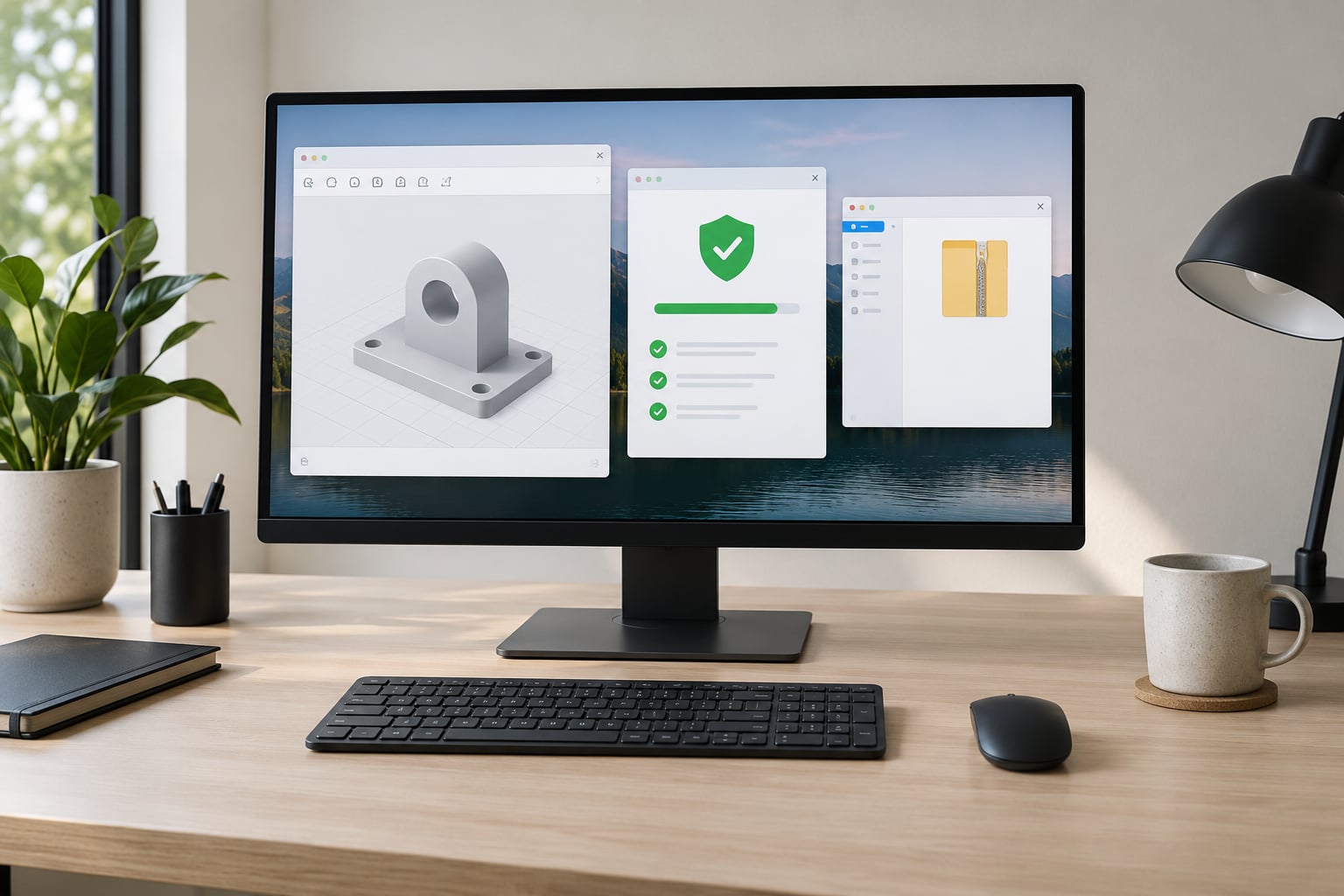
Keep downloads for models in one folder and nothing else. Then let your antivirus scan the new files before you open them.
On Windows, right-click the file and choose Scan with Microsoft Defender, or let the download folder’s automatic scan run and check the result. On macOS, a file quarantined by Gatekeeper will refuse to open and that is the protection working. If your antivirus flags something, do not disable it to get the file — delete it and find another source.
If you want a second opinion before you commit to a file, services like VirusTotal accept a hash or an upload and check it against multiple engines. Treat a clean result as one input, not a guarantee; small fresh malware samples can be unknown to every engine.
How you can tell it worked: the scan completed with no detection, and the file is still sitting untouched in an isolated folder.
List archive contents and inspect scale, geometry, and metadata
Open the archive with 7-Zip or similar and read the file list. You are looking for exactly the assets the page promised and nothing else.
One model file. Possibly a second STL for an alternate size. A texture folder if the page mentioned textures. A licence or readme file. If you find an executable, a script, a shortcut, or a document asking you to enable macros, stop there and delete the download.
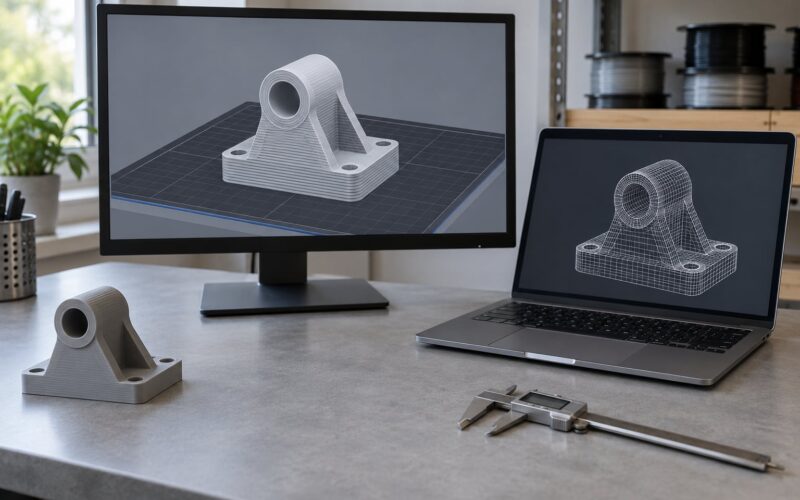
Next, open the mesh in a viewer or your slicer and check three things: overall dimensions against your build volume, whether the model is one solid object or several interpenetrating shells, and whether any metadata or sidecar file identifies the creator. STL carries almost no metadata by design, so an empty properties panel is normal rather than suspicious.
How you can tell it worked: the archive contains only expected assets, and the model measures roughly the size the listing described.
Repair or preview the mesh before slicing
Load the file in your slicer and let it check the mesh before you commit to a print. Slicers run a mesh analysis that reports open edges, non-manifold geometry, intersecting shells and missing faces.
- Open edges and non-manifold geometry usually come from a bad export or a damaged download. Repair tools in PrusaSlicer, Bambu Studio and OrcaSlicer can close small holes automatically.
- Intersecting shells in one file are sometimes intentional — print-in-place models use them — and sometimes a lazy export. Read the print notes before repairing.
- Wrong scale is common with STL because the format has no scale field. A model that should be 100 mm may import at 1 mm or 1000 mm.
- Unsupported features — thin walls below your nozzle width, floating geometry, overhangs steeper than your material allows — are usually flagged or visible in the preview.
The check succeeds when the repaired object slices or previews as a solid without errors, and when the dimensions match what the listing promised.
Run a low-risk test print
Slice it, then print a small version or a corner section before you run the full object. This is the step that saves filament, and it is the one most beginners skip.
Use compatible material and settings, and be more careful with moving parts, snap fits, print-in-place models, anything load-bearing, and anything you intend to give to a child.
Look at layer adhesion between the test section and the rest of the model, measure the finished piece against the listing dimensions, test any snap or hinge at full force, and check for sharp edges or burrs. A model that only holds together in one orientation is not a finished part.
For physical safety, printed plastic is not a substitute for a manufacturer part in anything safety-critical. Keep printed objects out of a child’s reach if they break into small pieces, keep them away from hot bulbs and heaters where clearance matters, and be cautious with food contact surfaces — a printed cookie cutter, for example, is not a certified food-safe tool.
How you can tell it worked: the prototype behaves as described and your licence permits the use you had in mind.
Record the source and archive the evidence
Keep a small record per model. It takes thirty seconds and it pays off the first time something needs to be traced.
- Original URL, not the shortened or redirected one.
- Creator name and the date you downloaded.
- File name and version, plus a copy of the licence text.
- Any change you made to the geometry.
- Notes from the test print — material, layer height, orientation, what failed.
This supports attribution when a licence requires it, makes troubleshooting possible if a remixed version stops working, and lets you remove a file and report it if a licensing or safety concern surfaces later. Every major library has a report function on the model page.
How you can tell it worked: six months later you can still reproduce that download from your notes.
Common Mistakes
Treating free as unrestricted. The most common and most expensive error. “Free to download” says nothing about selling; read the terms, and if they are absent, assume no permission.
Trusting one popularity signal. Ten thousand downloads on a file that no one has successfully printed is still a broken file. Weigh photos, print notes, author history and mesh quality together.
Accepting an unexpected archive or executable. A model page promising one STL should not deliver a ZIP with a program inside it. Delete it and go back to the original source.
Overlooking scale. STL records no unit information, so a model can arrive a thousand times too small or too large. Measure in the slicer before you start, every time.
Skipping mesh repair. A failed first layer halfway through a long print is the expensive version of a two-minute repair step.
Printing full size before testing. If a model takes fourteen hours, run a quarter-scale or one corner first. Beginning with something that finishes in one to four hours is the advice that shows up most often from experienced makers.
Reusing passwords across model sites. This one is worth a specific mention. A widely shared community post reported a leak at a major model platform affecting roughly 228,000 accounts, and the advice in those threads was to change the password or delete the account. If you signed up with an email and password you use elsewhere, treat that password as compromised now, and use a unique password on any site that asks for an account at all. A password manager makes this a two-minute job.
A few smaller habits: keep the dedicated downloads folder so a clean-up is one folder emptied rather than a hunt. Turn on browser download warnings. Prefer libraries that show the model in-browser before you commit. And if a page has no photos, no print notes, no author history and a pushy download button, walking away costs you nothing.
Frequently Asked Questions
Is a free printable 3D model automatically free to sell?
No. Downloading a model free does not grant commercial rights. You may sell printed copies only when the licence allows commercial use, such as CC0, CC-BY or CC-BY-SA. Personal-use-only licences cover printing for yourself and nothing more, and a model with no stated licence gives you no permission at all. Check the licence text on the model page, save a copy, and if you plan to sell prints regularly, use libraries where designers publish explicit terms.
What file type is safest to download for home 3D printing?
A plain STL or 3MF file is the safest, because both are inert geometry data. STL is the most widely printable format but stores no units, colours or settings. 3MF is more informative, carrying units, materials and recommended print settings in one container. Files ending in .exe, .scr, .bat, .js or .msi are not models, and password-protected archives are worth skipping because they defeat scanning.
How can I tell whether a 3D model download is malicious?
Look for the pattern rather than the file name: an archive containing an executable or script, a download hosted on an unexpected domain, a password-protected ZIP, a page demanding you install a viewer, and a uploader with no history and no print photos. Community reports describe malicious files bundled with calibration models. Confirm the domain reads correctly, check the archive listing before extracting, and scan the file in an isolated folder before opening it.
Can I modify a downloadable 3D model for commercial use?
Only if the licence allows both. CC0 permits modification and commercial use freely. CC-BY allows it with attribution to the original creator. CC-BY-NC permits modification but not sale. Personal-use-only and no-licence files do not grant either. Separately, a model depicting a trademarked character or branded product can carry trademark restrictions the uploader could not license away, so check the design itself before printing for sale.
Where can makers find reputable free 3D model repositories?
Established communities are the safest starting point. Printables, MakerWorld, Thingiverse, Cults3D, MyMiniFactory, Thangs and GrabCAD all come up repeatedly in maker forums and vendor communities, and the first two are the most commonly recommended to beginners right now. Prefer libraries that render the model in the browser, show the licence before you download, and host files on their own domain rather than a third-party mirror.
Conclusion
Start in an established community library rather than a search result, read the licence before you download so you know whether you can print it for yourself or sell it, and confirm the file is an STL or 3MF and nothing else. Save it to one folder, scan it, list the archive contents, and open it in your slicer to check dimensions and mesh health before printing anything at full size.
That sequence takes a few minutes and covers the three risks that matter: a malicious file, an account you wish you had not created, and a licence that does not cover what you intended. Do the same routine for every download and it stops being a chore, and when 2026 brings a new platform that looks useful, you will already know how to size it up.